

How Should a Small Business Choose HR Software?
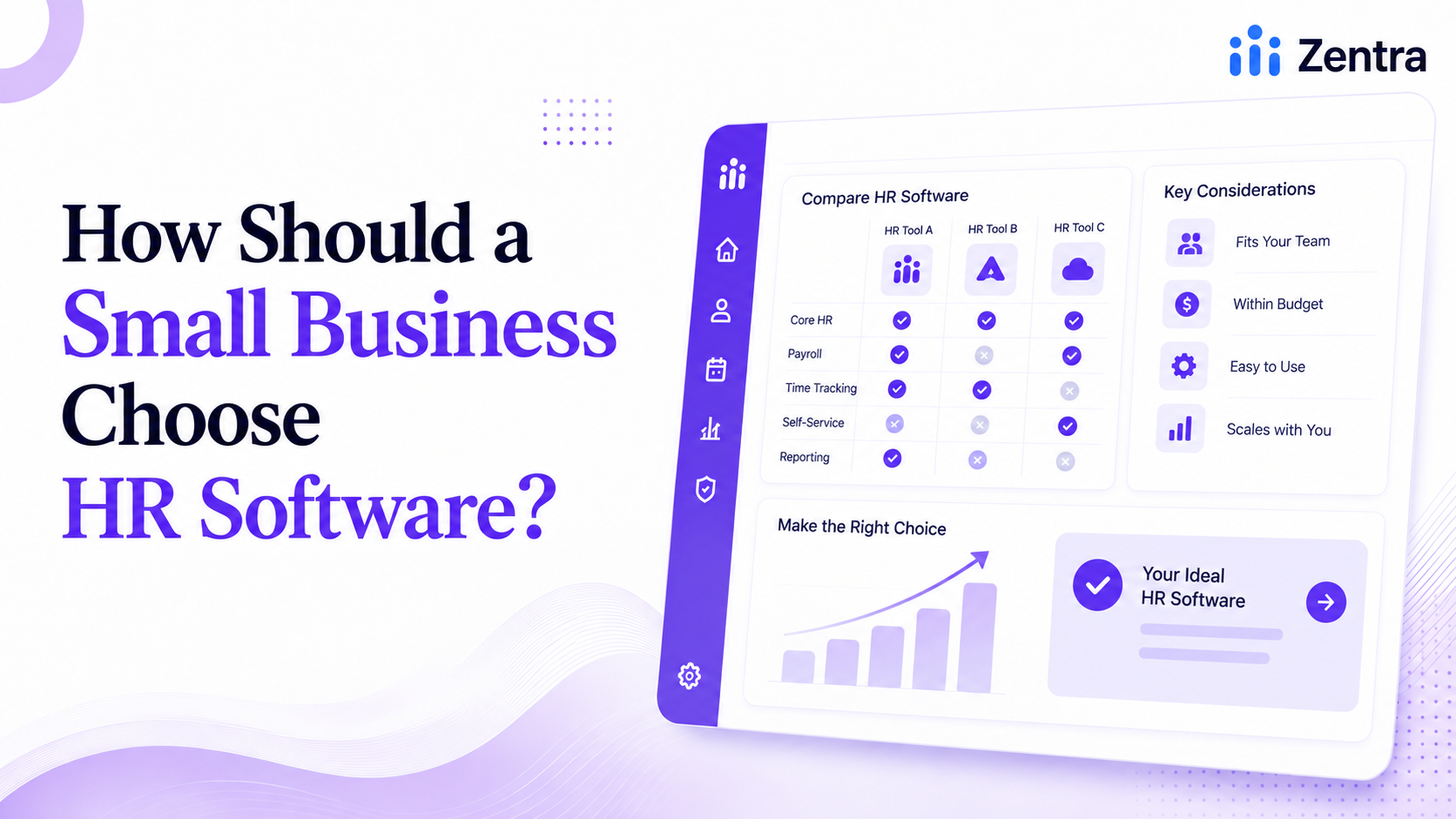
Most guides to choosing HR software are written for a company sizing up its fifth vendor, not its first. If you're a 10-person team trying to figure out whether you even need this yet, half the advice out there doesn't apply - it assumes a dedicated HR hire, a procurement process, and a budget line that doesn't exist. Here's a framework that starts from where a small business actually is.
Start with what's actually broken, not a feature list
Before comparing platforms, get specific about the actual pain: is it payroll errors, missed compliance deadlines, or just too much time spent answering "how many vacation days do I have left" over email? A vendor's full feature list is mostly irrelevant if three specific problems are what's driving the search in the first place. Write those three down before opening a single pricing page.
Understand what you're actually buying: HRIS, HRMS, or both
An HRIS handles the administrative core - employee records, payroll, attendance, compliance tracking. An HRMS includes all of that plus more strategic layers on top, like performance management and workforce analytics. Most small businesses need a strong HRIS more than a full HRMS; the analytics and talent-development features that separate the two matter more once a company has grown past the point where everyone still knows everyone.
Weigh the pricing model, not just the sticker price
Per-employee-per-month pricing scales with headcount, which is predictable until a hiring wave makes it expensive fast. Flat-fee tiers with employee caps are simpler to budget short-term but can trigger an unplanned jump the moment growth crosses a threshold. A genuinely free tier with no seat cap is rare, but it exists - worth checking exactly how rare before assuming every free plan works the same way.
Check compliance for where you actually operate, not where the vendor is based
This is the check most small businesses skip, and it's the one that costs the most later. A platform built for US payroll doesn't automatically handle Canadian CRA remittances, T4 generation, or provincial employment standards - and a platform that only mentions federal privacy law may be missing provincial requirements like Quebec's Law 25 entirely. Ask directly which jurisdictions the vendor actually built for, not just which ones they claim to "support."
Test how much setup you're actually signing up for
A platform that takes months to implement properly isn't a bargain at any price, especially for a business without a dedicated IT resource. Ask specifically how long onboarding takes for a company your exact size, not the vendor's average across all customers - averages hide a lot.
Think about year two, not just month one
The real cost of HR software usually isn't visible in the first invoice. It shows up in year two, at higher headcount, once whatever was "included" turns out to have limits nobody mentioned at signup. Ask what changes about pricing and features specifically as headcount grows, before it becomes the answer to a question asked too late.
Where this leaves a small Canadian business specifically
If your team operates in Canada, the shortlist looks different than a generic "best HR software" list suggests - platforms like Folks HR, Rise People, and Collage HR were built around CRA compliance and provincial law from day one, which is worth more than a longer feature list from a platform that wasn't. Where cost is the deciding factor, it's also worth knowing that a genuinely free option with no seat cap, like Zentra, exists outside that group entirely - free is rarer than free-with-limits, and worth checking which one an option actually is before assuming.